


Key Takeaways
- You can run WhatsApp without phone number exposure via virtual numbers or a secondary SIM.
- WhatsApp requires a 6-digit one-time code by SMS or voice call — you can't skip verification, only substitute the number.
- Paid virtual numbers ($2–10/month, typical 2026 range) verify reliably; free numbers often fail.
- A second WhatsApp account without SIM is easy with WhatsApp Business plus a virtual number.
- Never use public or shared numbers for sensitive chats — other users can see and reclaim them.
Can you set up WhatsApp without phone number verification tied to your personal SIM? Yes — with one caveat: every account still needs a number to receive a one-time code, but that number can be a secondary SIM, a virtual number, or a dedicated verification service instead of your private line. Below are the five methods that actually work in 2026, ranked by reliability and cost: a spare real number, the landline trick, virtual number apps, verification-focused number services, and free virtual numbers. You get step-by-step instructions, 2026 pricing, and the security settings that keep a numberless account alive.
Can You Use WhatsApp Without Phone Number or SIM Card?
Not entirely: WhatsApp always requires some phone number to receive a one-time verification code. But you can use WhatsApp without your personal number or physical SIM by verifying with a secondary line, a virtual number, or a verification service — the SIM never has to stay in your device.
The registration flow is strict but simple, per WhatsApp's official help center: install the app on a working device with an internet connection, enter a phone number, and confirm a 6-digit code delivered by SMS or voice call. The myth to retire is "no number at all": people who want to use whatsapp without number exposure really mean no number tied to their private identity — searches for whatsapp without sim or whatsapp no sim card setups confirm that.
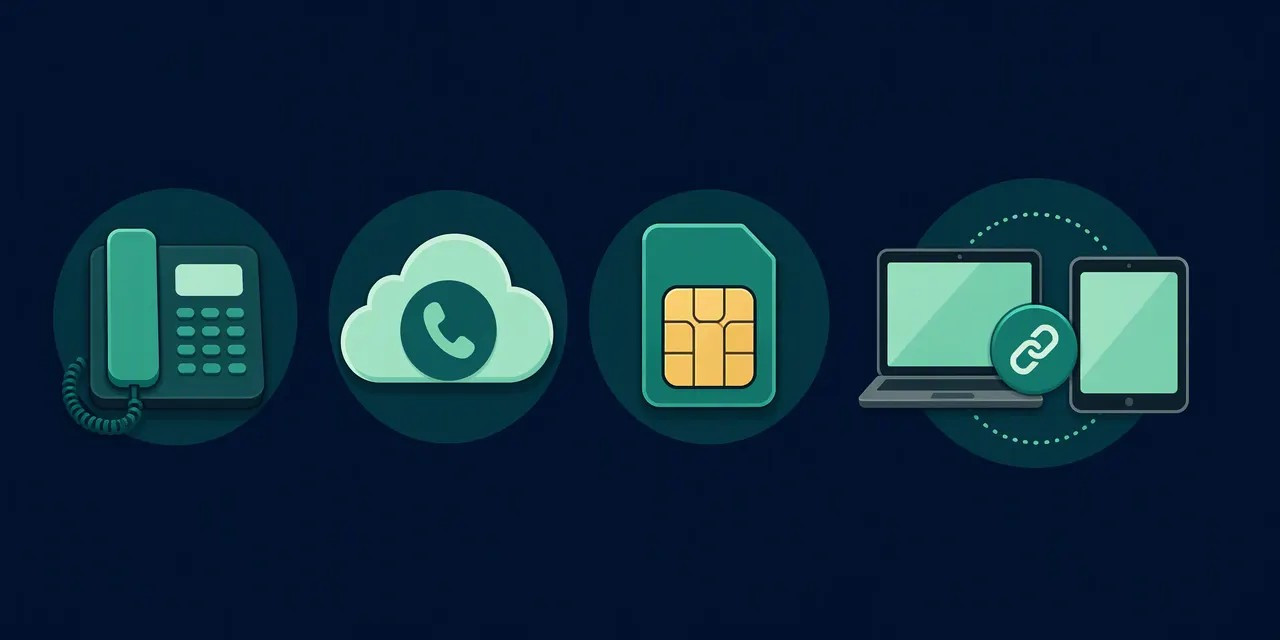
There are three realistic paths. First, verify with a secondary real number you already control — a work line, old SIM, or family plan line. Second, use a virtual number for whatsapp from a dedicated provider — Second Number, for example, issues numbers that work for verification, calls, texts, and forwarding. Third, use a verification-focused service — Second Number, for example — which provides online numbers for SMS or call-based activation.
Trade-offs exist: rented numbers can be recycled or flagged later, so long-term accounts need numbers you keep and secure with two-step verification.
Why Use WhatsApp Without Your Real Number?
People do it to protect privacy, split work from personal chats, run a second account, and dodge roaming fees abroad. With over 2 billion users per Meta's official figures, a leaked personal number quickly becomes a spam magnet — separating identity from number is now standard practice.
Four scenarios dominate:
1. Privacy protection. Handing your personal number to marketplace sellers, dating matches, or signup forms exposes you to spam and leaks. A virtual number for whatsapp verification keeps your primary SIM out of public databases — cheap insurance for your data.
2. A second WhatsApp account. A true work/personal split needs two numbers. A virtual number creates a second account without a real mobile phone or SIM card because it supplies the SMS or phone-call verification the platform requires.
3. Travel without roaming. Carrier roaming fees for international SMS commonly run $1–2 per message depending on your operator and destination (order of magnitude for 2026 tariffs; check your carrier's roaming schedule). An eSIM or virtual number keeps you reachable on WhatsApp with no SIM card in the phone, using hotel Wi-Fi for messaging.
4. A dedicated business line. Freelancers want a support channel separate from their identity. A dedicated virtual number plus WhatsApp Business — with two-step verification enabled — adds credibility and a second security layer against account takeover.
Method 1: Verify WhatsApp with a Secondary Real Number
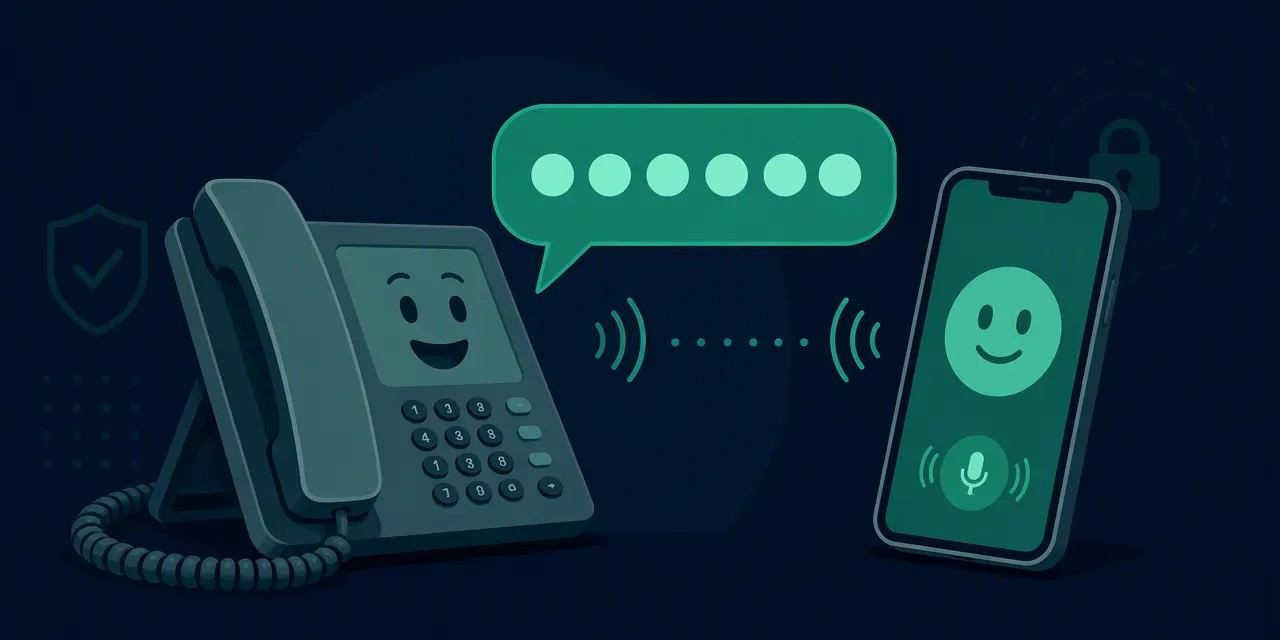
The fastest free route: verify with any spare number — an old SIM, work line, or family member's number — then remove the SIM. WhatsApp keeps working over Wi-Fi; the SIM is needed only to receive the one-time code.
Step-by-Step
- Install WhatsApp or WhatsApp Business on any smartphone, tablet, or Wi-Fi-only phone with an internet connection.
- When prompted, enter the secondary number — not your primary one.
- Keep the SIM in any working phone for a few minutes. WhatsApp sends a 6-digit SMS code; if it doesn't arrive within about a minute, choose "Call me" for voice delivery.
- Enter the code, restore a backup if needed, and set a profile name and photo.
- Enable two-step verification (Settings → Account) with a PIN. This protects the account even if someone later accesses the secondary number.
Pros and Cons
Pros: completely free, no third parties involved, instant SMS delivery, and far more reliable than virtual options, which WhatsApp sometimes blocks. Cons: you depend on a physical SIM at registration and whenever re-verification is triggered, and the secondary number isn't anonymous.
When to Choose This Over Paid Options
Pick this method if you own a spare SIM or can borrow a number for five minutes. Paid virtual number services make sense only when you lack a spare line, need a foreign number, or want a second WhatsApp account without sim you control long-term.
Method 2: Use a Virtual Number App
A virtual number app gives you a real, cloud-hosted number that receives WhatsApp's verification code in-app. A rented virtual number also handles calls, texts, and forwarding after verification — the most reliable long-term way to run WhatsApp on a number you don't physically own.
How Virtual Numbers Work
A virtual number is hosted on the provider's servers, not tied to a SIM or handset. Incoming SMS and calls route to the app over Wi-Fi or mobile data, so the number behaves like a regular line and passes WhatsApp's verification exactly like a real number. That makes it the practical answer for whatsapp without phone number verification tied to your private line.
Setup Steps
- Register at Second Number — no app install needed, everything works in the browser.
- Choose and activate a number inside the app — pick a country if you need a specific code.
- Open WhatsApp and enter the new virtual number at the prompt.
- Read the OTP code in your Second Number dashboard or via the call option.
- Enter the code in WhatsApp — the account activates with no SIM in the device.
Immediately enable two-step verification so no one can re-register the account elsewhere.
Free vs. Paid Tiers in 2026
Free numbers exist — Second Number keeps a public pool of free WhatsApp numbers — but popular country codes run out, and free numbers may be recycled or blocked. For an account you depend on daily, paid subscriptions in the typical 2026 range of a few dollars per month deliver stability, ongoing SMS, and re-verification support.
Method 3: Verification-Focused Number Services
Verification-focused services are built for one job: passing WhatsApp's SMS or phone-call verification without a handset or SIM. You rent a number, enter it during WhatsApp registration, and read the code in the online dashboard — no SMS ever reaches a physical device. Second Number works exactly this way: pick a country, rent a number, and the verification code lands in your account within minutes.
How the Service Works
Unlike general-purpose apps, a verification-focused service maintains numbers specifically for the one-time code step, with delivery infrastructure tuned for that. You can create accounts or second accounts without a real mobile phone. After registration, complete two-step verification inside WhatsApp for protection.
Verification Services vs. General Virtual Number Apps
The difference is specialization vs. versatility. A general virtual number app gives you a broad number for calls, SMS, and long-term messaging — a permanent identity. A verification-focused service is narrower but optimized purely for whatsapp verification without real number friction, usually with faster code delivery but fewer telephony features. Choose versatility if you need ongoing calling; choose a verification service if the single goal is quick, cheap account creation or a second account for testing.
Free Virtual Numbers for WhatsApp: Do They Work?
Sometimes. Free numbers exist via trial credits, public free-number pools (like Second Number's free WhatsApp numbers), or verification-focused services, but recycling and blacklisting make them the least reliable route. For any account you plan to keep, a low-cost paid number ($1–5/month in 2026, depending on country and provider) pays for itself in stability.
Why Free Numbers Fail
The core problem is number recycling: one free number may be issued to dozens of users, and WhatsApp's blacklists tie many "fresh" free numbers to past abuse. Congestion compounds it — free SMS reception lines queue at peak hours while the code expires in minutes.
Success Tips
- Pick less popular country codes — smaller telecom markets recycle less.
- Verify during off-peak hours (early morning UTC) to skip SMS congestion.
- If SMS fails, use WhatsApp's "Call me" option — voice delivery often works when text routes are blocked.
- Enable two-step verification immediately so a recycled number's previous user can't reclaim the account.
Cost Comparison (2026)
- Free tiers: $0, inconsistent success, multiple attempts likely.
- Low-cost paid numbers: ~$1–5/month, much better deliverability.
- Full eSIM plans: ~$5–15/month — stable, private, suitable for a second WhatsApp account without sim long-term.
How to Verify WhatsApp Without Phone Number — and Why You Can't Skip the Code
There is no legitimate way to skip the 6-digit verification code: Meta generates it server-side and delivers it only by SMS or voice call. What you can do is receive that code on a number other than your primary SIM — a virtual number, a secondary line, or a verification service.
Why "Bypass" Tools Are Scams
Any app, website, or APK promising verification without a code is a scam, malware, or phishing. Registration is server-side, so no tool can override it — but scammers use the promise to steal credentials or hijack accounts. If a site asks for your existing WhatsApp code to "generate" a new one, close it.
Legitimate Alternatives
- Virtual number services — Second Number receives SMS verification online, no app required.
- Verification services — dedicated verification numbers handle whatsapp verification without real number setups.
- Secondary SIM or eSIM — any spare line works; an eSIM plan is cheapest if you don't want a physical card.
If the SMS Code Doesn't Arrive
Wait out the full resend timer before requesting a new code; tap "Call me" for voice delivery; check the format — country code first, no leading zeros or duplicated "+".
The One Non-Negotiable Security Rule
Never share your verification code with anyone — not "support agents," friends, or colleagues. Possession of the code equals full control of your account. After registration, enable two-step verification (PIN + email) in Settings → Account, which blocks most hijacking attempts even if a code leaks.
Risks and How to Avoid a Ban
Virtual and temporary numbers carry three real risks: WhatsApp can block flagged or recycled ranges, recovery fails if you lose the number, and some VoIP ranges are rejected outright. Reputable paid providers plus two-step verification neutralize most of this — the difference between a stable whatsapp without sim setup and a fragile one.
Common Failure Scenarios
- Number already registered: cheap recycled numbers are sold to multiple users; you may receive someone else's chats or be rejected outright.
- VoIP ranges blocked: WhatsApp's anti-abuse filters reject certain VoIP blocks — a frequent cause of verification failure.
- Expired virtual number: if the subscription lapses before verification finishes, the code never arrives.
The Account Recovery Problem
Without ongoing control of the number, you can't re-verify after a device change, reinstall, or theft. Treat the virtual number as a permanent asset: keep the subscription active with your provider as long as the account exists, because anyone reclaiming the number could re-register your account.
Terms of Service Considerations
Running whatsapp with virtual number is not itself prohibited, but behavior that looks automated gets flagged. Avoid bulk account creation from one device or IP, mass messaging or mass group joins, and any third-party automation tools or modified clients.
Best Practices
- Keep the virtual number subscription active for the account's entire lifetime.
- Enable two-step verification (PIN + recovery email) so recovery stays possible even if the number lapses.
- Warm up the account: for the first 2–4 weeks, behave like a normal user — small chats, saved contacts, complete profile.
Conclusion
WhatsApp will always require a number for one-time verification, but you never have to expose your personal SIM. Setting up whatsapp without phone number verification tied to your identity comes down to substituting one of three number sources at the SMS step.
Decision matrix by use case:
- Privacy-first users: reputable paid virtual number kept long-term.
- Business and freelancers: whatsapp with virtual number tied to the brand, WhatsApp Business, call forwarding to one inbox.
- Travelers: eSIM app — local number for WhatsApp plus destination data, no roaming on the primary SIM.
- Second account owners: a verification-focused service like Second Number, built exactly for second accounts without a SIM.
- One-off needs: any spare real number.
Cost vs. reliability: a spare real number costs $0 but ties you to hardware; verification services cost little per use with provider-dependent reliability; paid virtual numbers run $2–10/month in 2026 with the highest stability because you retain the number for re-verification.
Final recommendation: combine a reputable paid virtual number with WhatsApp two-step verification (PIN + email) from day one. Ready to start? Pick a virtual number app or verification service and complete the one-time SMS verification in under five minutes.
FAQ
Can I use WhatsApp without a phone number at all?
No. WhatsApp requires some phone number for one-time verification via SMS or voice call. However, you don't have to expose your personal SIM: verify with a secondary line or a virtual number from a provider like Second Number, then keep the number active for recovery and re-verification.
How can I get a free virtual number for WhatsApp?
Use a reputable virtual-number service with a free pool — Second Number's free WhatsApp numbers are open to everyone — or rent a dedicated number for a few dollars. Free numbers are often recycled or blocked, so verify during off-peak hours and enable two-step verification immediately after registration.
Can WhatsApp work without a SIM card in my phone?
Yes. After verification, WhatsApp runs entirely over the internet. The SIM is only needed to receive the SMS or call code during registration; afterwards you can remove it and use Wi-Fi. Keep the number reachable, though — WhatsApp may ask you to re-verify after a device change.
How do I verify WhatsApp without a verification code?
You can't — the one-time SMS or voice-call code is mandatory for every registration, and Meta generates it server-side. If the SMS doesn't arrive, wait out the resend timer, tap "Call me" for voice verification, check the country-code format, or switch to another reachable number. Never buy codes or share them.
Will WhatsApp ban me for using a virtual number?
Not automatically — WhatsApp itself doesn't prohibit virtual numbers. Risk comes from recycled, abused, or VoIP ranges flagged by anti-abuse systems, and from behavior like bulk messaging or automation. Use a private, paid, reachable number, warm up the account for 2–4 weeks, and avoid spam to stay safe.
Can I use one WhatsApp account on two phones without a SIM?
Yes, via WhatsApp's companion mode: set up the account on your primary phone, then link a second phone by scanning the QR code in Linked Devices. The second phone works over Wi-Fi with no SIM after linking, while the primary device stays tied to the number and must connect periodically.
Keep reading in this cluster
- Virtual number for WhatsApp: full setup guide — the complete walkthrough from choosing a number to activation.
- Free virtual number for WhatsApp — which free options work in 2026 and where they fall short.
- Second WhatsApp account on one phone — run two accounts without a second SIM.